What to do if a table lamp with a touch dimmer switches on itself?
If a table lamp with a touch dimmer switches on without being touched, there are several possible causes: moisture on the sensor surface, a briefly interrupted power supply, electrical faults or a defect in the control system. This does not automatically mean that the entire light needs to be replaced. The first thing that matters is whether it actually switches on or whether the LED only glows weakly.
If there is a smell of burning, sparks, damaged cables or unusually high temperatures, you should stop using the lamp. Disconnect them from the power supply if it is safe to do so. Do not open the base or the power supply. Without such warning signs, you can carry out the following external checks and narrow down the error.
Does the lamp actually turn on or does it just glow?
First, observe what exactly is happening. If the lamp suddenly lights up at a normal brightness level, this indicates that it has switched on. However, a very weak glow when switched off can be caused by low currents or electrical coupling without the touch control actually being switched on.
Even a single flash of light is to be evaluated differently than a permanent glow. For this error pattern, our article explains: Why a dimmable lamp flashes briefly when switched on, the possible connections with drivers and dimming.
In the case of a table lamp with a touch dimmer, this distinction helps to avoid directing the next steps towards the wrong cause.
| Observation | Possible explanation | Useful first test |
|---|---|---|
| The lamp suddenly lights up permanently | False tripping, voltage recovery or control error | Note the time and circumstances |
| The LED glows faintly when switched off | Low residual currents or electrical coupling | Have the lamps and controls checked for compatibility |
| The lamp only flashes briefly | Starting behavior or a disruption in the supply | Check whether other devices are switching at the same time |
| The behavior started after changing the bulb | Unsuitable or incompatible light source | Compare the manufacturer's specifications with the light source used |
Why a table lamp with a touch dimmer turns itself on
Moisture or accidental contact on the sensor
Many touch controls work capacitively. To put it simply, they detect changes in an electrical field at the intended contact surface. The exact functionality depends on the model; not every touch-controlled lamp uses the same technology.
With capacitive control, a wet film, cleaning agent residue, or contact with a conductive object can affect detection. A metal tray, an object being leaned against or a cable on the sensor surface may therefore be relevant in some models. Actual contact from pets or when objects are moved can also be easily overlooked.
If the problem only occurs after cleaning or moving the light, check these changes first. A dry, clear sensor surface is a simple starting point, but is not proof that the electronics are error-free.
Interruptions and disruptions in the power supply
After a power interruption, lights do not necessarily start when switched off. Some models restore the last brightness, others use a fixed power-on state. The operating instructions are decisive.
A table lamp with a touch dimmer always works after switching on a power strip or a smart one Power plug on, the voltage return can therefore be the explanation. Also check schedules of an upstream Power plug, if you use one.
Electrical interference from neighboring devices or their power supplies can also affect sensitive controls. However, a temporal connection with a charger or another consumer is only an indication. It proves neither a defect in the device in question nor an error in the house installation.
Inappropriate lighting or defective electronics
For a lamp with a replaceable light source, this must match the built-in dimming technology. The statement “dimmable” alone does not guarantee compatibility with every touch control. For example, some older controls are not designed for any LED bulbs.
Typical intolerances include flickering, humming or unreliable dimming. Depending on the circuit, unusual switching on or off behavior may also occur. If the error started immediately after a lamp change, this connection is particularly worth checking.
This simple replacement test is not necessary for permanently installed LEDs. Sensors, controls or LED drivers, among other things, can then be affected. It is usually not possible to determine with certainty from the outside which component is actually faulty.
This way you can safely check the light without opening it
1. Disconnect power and exclude visible damage
Before cleaning or checking, pull the power plug by the plug housing, not the cable. For a USB-powered light, disconnect the external power supply. Then check the parts visible from the outside for cracks, damaged insulation, discoloration or loose connections.
If your table lamp with touch dimmer switches on along with a burning smell, crackling or unusual heat, stop the test. A tingling feeling on the housing or a tripped circuit breaker is also a reason to leave the lamp out of operation.
If it is not safe to disconnect at the plug, keep your distance and have the power supply switched off safely. Repeated switching on for troubleshooting is not an appropriate measure for such warning signs.
2. Clean the sensor surface and allow it to dry completely
Clean the intended touch surface according to the manufacturer's instructions. A soft, dry cloth is often sufficient. Do not spray cleaning products directly onto the light and do not allow any liquid to get into joints, switches or connections.
Remove objects touching the sensor surface and place the lamp on a stable, dry surface. If liquid has penetrated the housing, drying it externally is not enough: Do not reconnect the lamp for a test, but have it checked.
After normal surface cleaning, wait until everything is completely dry. If the instructions specify a specific switch-on or initialization sequence, follow this. There is no universal reset procedure for all touch lights.
3. Try a different connection and location
If there are no warning signs, try plugging the lamp directly into another known good wall outlet. For this test, do not use an additional switchable power strip, a smart one Power plug or an external socket dimmer.
If the table lamp with touch dimmer remains reliably switched off at the other location, this indicates an influence of the previous connection environment or installation. However, it does not rule out a temporary defect.
If possible, only change one factor at a time: first the connection, then the location or a neighboring charger. For comparison, only disconnect non-critical devices from the power. Refrigerator, medical equipment or other essential consumers should not be part of this experiment.
4. Compare behavior after voltage recovery
Check the instructions to see what condition is intended after connection. If there are no security concerns, you can compare the documented behavior to a one-time disconnect and reconnect.
If the light always starts at the same brightness level, this may be an intended function. If, on the other hand, it only starts much later and without any apparent reason, the starting behavior is not sufficient as an explanation.
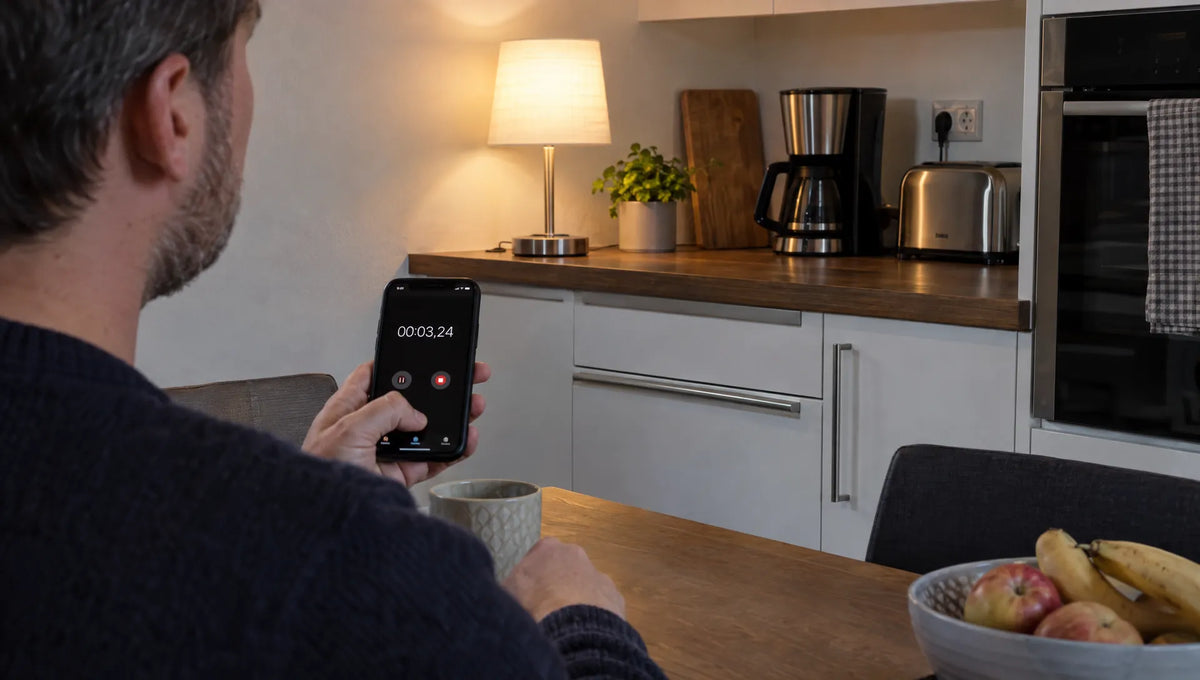
Note the time, brightness level, and devices that were turned on immediately beforehand. A short video can help customer service. However, do not leave a conspicuous lamp running unattended and do not cause repeated power interruptions.

5. Check replaceable lamps according to the manufacturer's specifications
This step only makes sense if the lamp is expressly replaceable. Compare the socket, permissible power, dimensions and dimmability requirements with the operating instructions. Before changing, allow the lamp to cool down and disconnect it from the power supply.
If the table lamp with touch dimmer worked reliably before the last bulb change, an approved replacement bulb can limit the error. The old light source is only suitable for comparison if it is still intact and meets the specifications.
For integrated LEDs or an unknown dimming system, contact the manufacturer or seller. Even with models with an external power supply, do not use any substitute: the shape of the plug alone is not enough; the voltage, type of current and other electrical specifications must match.
When customer service or an electrical specialist are needed
If the automatic switch-on persists despite the sensor surface being dry, free installation and a checked connection, a complaint or a professional investigation makes sense. This is particularly true if the lamp itself changes its brightness or no longer reacts reliably to touch.
The model name, proof of purchase and a specific description of the error are helpful for customer service. Describe something like: "The light switches to the highest level after about ten minutes without being touched; the behavior occurs on two sockets." Such observations are more meaningful than assuming that the sensor is defective.
If the table lamp with touch dimmer is new and it behaves contrary to the product description or instructions, contact the seller before attempting repairs yourself. If several devices are affected, one of them will malfunction Power plug or circuit breakers trip, a specialist electrician should also check the connection.
Opening the base, bridging the touch control or connecting housing parts to a protective conductor, radiator or water pipe are not suitable self-help measures. Such interventions can be dangerous. Until clarified, the conspicuous light remains disconnected from the power, especially at night and when you are away.
Frequently asked questions
Can a touch lamp turn on due to moisture? With some capacitive sensors, moisture can affect detection. Clean the powerless lamp according to the manufacturer's instructions and allow the surface to dry completely. If liquid has penetrated, a professional inspection is necessary.
Is a lamp defective if it lights up after a power outage? Not necessarily. Some models switch on after the voltage returns or restore the last state. Compare the behavior with the operating instructions and, if necessary, check the schedules of an upstream smart device Power plug.
Can I solve the problem with another LED bulb? This is possible if there is an intolerance and the light source is replaceable. Only use a variant that fits the manufacturer's specifications. This test cannot be easily carried out with integrated LEDs.
Can I connect a table lamp with a touch dimmer to an additional dimmer? Only if the manufacturer expressly allows this combination. An external dimmer can influence the power supply to the built-in control. It is not a suitable standard solution against switching on automatically.
When replacing, check the operation and lighting effect separately
If a repair does not make sense, pay attention to clearly documented operating functions, the behavior after power interruptions and the specifications for lamps or power supplies when replacing. For bedside use, an easily accessible control surface and a pleasant lowest brightness level are also relevant. Our guide will help you find one Select dimmable touch table lamp for bed and sideboard.
The lighting effect is a separate selection criterion: The Modern Sunshine table lamp from BUYnBLUE creates a decorative effect reminiscent of refracted sun rays. If you are looking for a different room atmosphere in addition to troubleshooting, this effect may be interesting for your selection. Check whether their operation and dimming functions suit your needs using the respective technical product information.
For the existing light, the first thing to do is to narrow down the cause, take warning signs seriously and, if the light is repeatedly switched on unintentionally, contact customer service instead of experimenting with the electronics.